Metin2 guild logo: create a 16×12 mark and diagnose missing uploads
Create a 16×12 Metin2 guild logo with 24-bit BMP or TGA alpha. Check exact magenta, export settings and why other players cannot see the mark.
Start with the final file, not the editor's preview
For a Metin2 guild logo, 16 pixels wide by 12 pixels high is the first check. For a crisp transparent mark, the documented Gameforge route is a 24-bit BMP with exact #FF00FF background pixels. For partial transparency, use a TGA that retains alpha, rather than turning those pixels pink. A beautiful PNG preview is not a client-ready upload just because a website calls it a guild logo.
The English Gameforge guild guide excludes PNG uploads; the German logo guide specifically recommends 24-bit BMP. This guide follows that documented workflow. A private server's custom client may support different formats or use another folder: obtain its actual client instructions before extending these requirements to it.
| Goal | Final file | Check before uploading |
|---|---|---|
| Fully visible or fully invisible pixels | 24-bit BMP | 16×12; invisible pixels are exactly RGB 255,0,255 |
| Soft or partly transparent edges | 32-bit TGA with alpha | 16×12; preserve the alpha channel when exporting |
| Editable master or web preview | PNG / editor project | Keep as a source; export the format required by the game client |
The English wiki also lists JPG/GIF/BMP/TGA, while the German page lists JPG/BMP/TGA. An opaque JPG and a transparent mark solve different needs. BMP avoids JPEG's color changes when exact magenta is the intended transparency key.
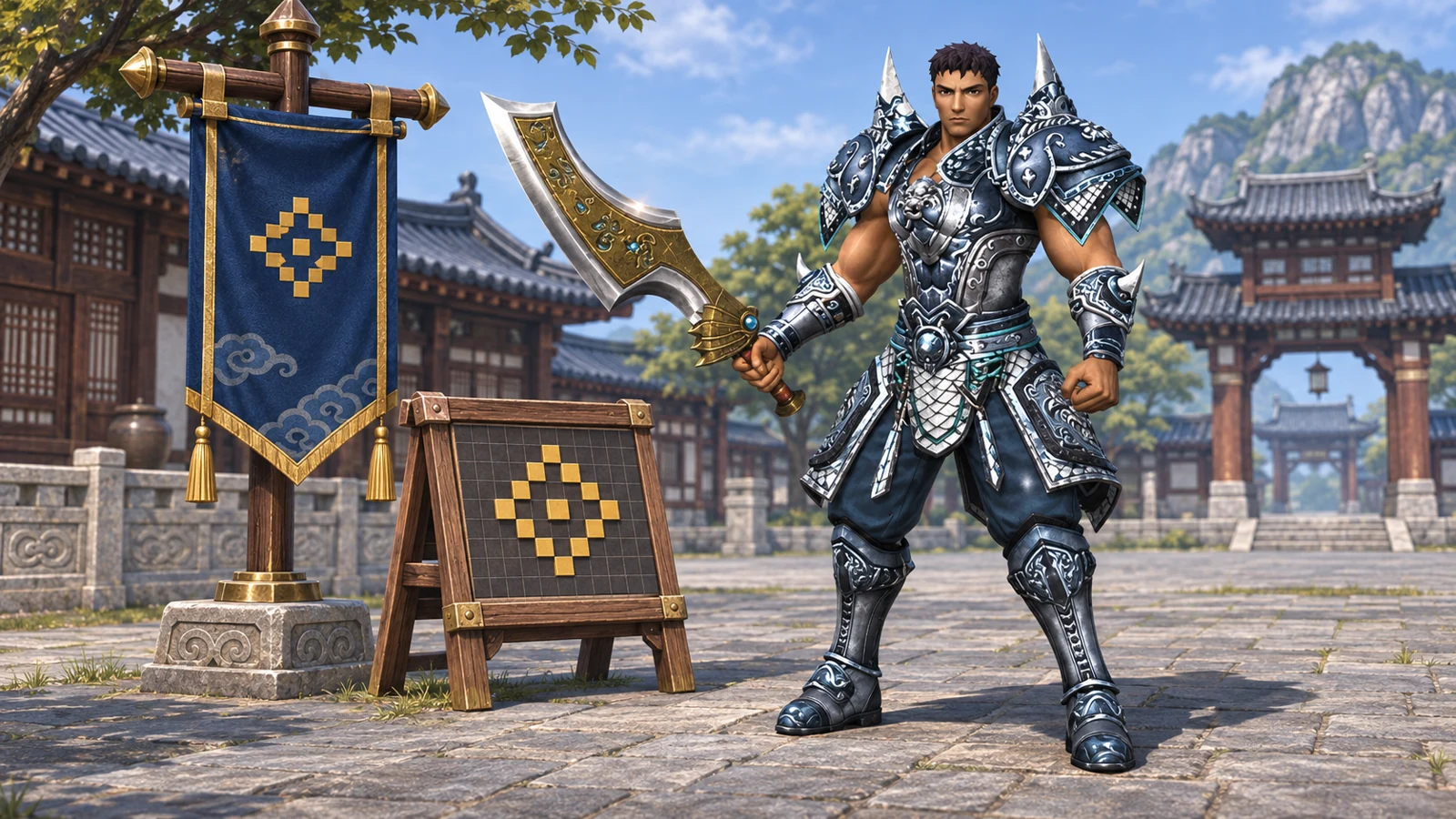
Generated illustration based on Metin2 character references. The banner and pixel board illustrate the topic; they are not a game screenshot or a downloadable guild-logo file.
Make the 16×12 artwork readable
Work on a copy of your design. Sixteen by twelve is only 192 pixels: one strong silhouette and a few colors usually survive better than a full illustration, lettering or fine decoration. Inspect the mark at its actual size, not only at a large zoom.
- Crop the composition to a 4:3 rectangle before reducing it, so a circular symbol is not stretched. Set the final pixel dimensions to width 16, height 12; changing print resolution or DPI alone does not make a large image suitable.
- Choose the final resizing method while the source still has its original background or alpha. Inspect the result, then clean up at one-pixel scale.
- For a keyed BMP, use solid
#FF00FFonly on pixels that should disappear. A nearly pink edge is still a different RGB value. Adding the color key before a smoothing resize can create mixed edge colors; check those edge pixels again afterward. - For a TGA with alpha, keep transparent pixels transparent. Do not replace alpha with a pink backdrop and expect the same soft edge.
- Keep the editable original. Enlarging the finished 16×12 mark later does not recover its lost detail.
An editor's list of accepted source files does not define the game's accepted output format. Renaming logo.png to logo.bmp changes the name, not the encoded image.
Export a separate BMP or TGA in a free editor
Paint.NET's classic download is free. Its File menu documentation describes Save As and the configuration dialog, including TGA bit depth and RLE compression. The locally inspected installation was version 5.1.12; menu labels can differ with the interface language.
For a keyed BMP:
- Open the prepared 16×12 artwork. Check the pixel dimensions again.
- Make the intended invisible background exactly
#FF00FF, with fully opaque foreground pixels. Recheck any smoothed edge pixels. - Choose File → Save As (
Ctrl+Shift+S), enter a new name such asguild-mark.bmp, and explicitly select BMP as the file type. - In Save Configuration, choose 24-bit for Bit Depth, then save. Auto-detect can choose a smaller lossless representation; that is not the same requirement as an explicitly requested 24-bit BMP.
- Reopen the exported file and check its dimensions and background color. A BMP with a magenta key will still look pink in an ordinary image viewer: the game supplies the keying behavior.
For alpha transparency, start from the version with real transparent pixels, save a separate guild-mark.tga, and select 32-bit so alpha is retained. A 24-bit TGA has no per-pixel alpha channel. Paint.NET also exposes RLE compression; its presence does not establish compatibility with every private-client decoder. Our controlled file test used an uncompressed TGA, not a tested universal client requirement.
Put the file in the folder this client actually reads
For the documented official-game workflow, the guild must be level 3 and the uploader must be its leader. Open the guild window, use the logo-change control, place the file with the client's supplied logo files, and refresh the list if necessary. The English wiki's example is \Metin2\en-EN\upload; treat this as its example path, not a fixed location for every installation or language.
If you have several clients, find the directory used by the game you actually launched. A second copy of an upload folder elsewhere will not help that client's selector. Make file extensions visible in your file manager so guild-mark.bmp.png is not mistaken for a BMP.
As a diagnostic, first try an unchanged preset supplied with that client, then your custom file. Record what differs. If the preset works but the new file is absent, check the custom file's real format, dimensions and location. This comparison narrows the symptom; it does not by itself prove delivery to every other player.
Diagnose the symptom before changing anything else
| Symptom | Useful next check | What it does not establish |
|---|---|---|
| The custom file is missing from the picker | Correct client folder, refresh, actual extension/format and 16×12 dimensions | A server-side mark fault |
| A pink outline remains | Sample the exported edge pixels; check exact #FF00FF and whether JPEG or smoothing changed them | That every pink-looking pixel has the same RGB value |
| You see the logo, another player does not | Compare the same guild from another current client and report time/build/symptom to the operator | That repainting the image will repair remote delivery |
| Supplied presets and other guild marks also fail | Collect the affected client build and relevant error log for support | A reason to delete arbitrary folders or replace DLLs |
This distinction comes from actual community questions. A 2021 M2Dev thread reports an invisible upload without a useful error; replies suggest both image preparation and library changes, without a verified resolution. A 2009 ElitePvpers discussion later describes a logo visible to its owner but not other members. These are reports, not confirmation of one present-day fix.
An additional 2015 private-client discussion discusses mark paths and connection settings in a custom login interface. No reusable named server/client revision is established. Do not copy its port edits into an unrelated installation. For a particular project, locate its current documentation through its profile in the Metin2 private-server directory.
What we verified, and the last check to make in game
We generated original 16×12 test images and inspected their exports with Python 3.12.10/Pillow 11.3.0. The 24-bit uncompressed BMP preserved every RGB pixel; the 32-bit TGA preserved RGBA values, including alpha 0, 128 and 255. A PNG renamed with a .bmp suffix still decoded as PNG. In one JPEG export at quality 95/subsampling 0, 104 of 132 originally exact-magenta pixels changed; 28 remained exact. That is a measured example, not a claim that every JPEG changes every pixel.
These are reproducible file-level checks. The editor procedure is documentation-based; we did not complete an independent GUI export or test uploading and rendering these files in a Metin2 client. The final gameplay check is therefore still yours: select the supported file, confirm your guild's mark, and ask another player to view the same guild. Keep the exported file and client version if support needs to reproduce a failure.
Sources
- Gameforge: English guild/logo workflow and German format/transparency requirements.
- Paint.NET: official free/classic download and Save As/file-format documentation.
- Original discussions: M2Dev invisible upload, ElitePvpers transparency and differing visibility, custom private-client mark delivery.
Sources checked on 8 November 2026. Old forum replies remain attributed historical examples, not current private-server specifications.
Frequently Asked Questions
Can I rename a PNG to BMP for a Metin2 guild logo?
Why does the BMP still look pink in an image viewer?
Why can I see the guild mark while other players cannot?
Related Pages
Find Your Perfect Server
Browse the top-ranked Metin2 private servers on METIN2.GG or submit your own server to the rankings.