Metin2 private-server account hacked or items stolen: what to do, in which order
Metin2 account hacked or items gone? Secure email first, check your PC offline, replace reused passwords, lock Discord and send staff a useful ticket.
The first 15 minutes: secure things in this order
Your character is naked, the warehouse is empty, or the password simply stopped working. The natural reaction is to log in again and again from the same PC and change the game password. That is usually the wrong first move. If your email account is controlled by someone else, they can reset any new game password. If your PC is running password-stealing malware, a new password typed on that PC can be captured again.
Our recommended order combines the recovery guidance below. If the gaming PC may be infected, use another device you trust for account recovery and password changes, such as your phone on mobile data or another computer; do not enter new credentials on the suspected PC.
- Email first. If you are locked out, use your email provider's official recovery process. Check and remove unwanted forwarding rules and filters, then change the password, sign out other devices and apps, and enable two-step verification. Follow the UK National Cyber Security Centre (NCSC) account-recovery guidance; it warns that criminals can use forwarding rules to keep receiving your emails.
- The game account. Use the server's official account panel to change the password and end other sessions if it supports that. If access or the registered email has changed, or sessions cannot be ended, contact the server's official support (see below).
- Discord and other affected accounts. Replace reused passwords and use each service's controls to end other sessions; also remove unwanted authorized apps. See the Discord steps below.
- Write down what you see before you forget: when you noticed, which characters and items are missing, your last login, and anything odd such as a login warning or a password-reset mail you did not request. Take screenshots.
- Only then deal with the PC.

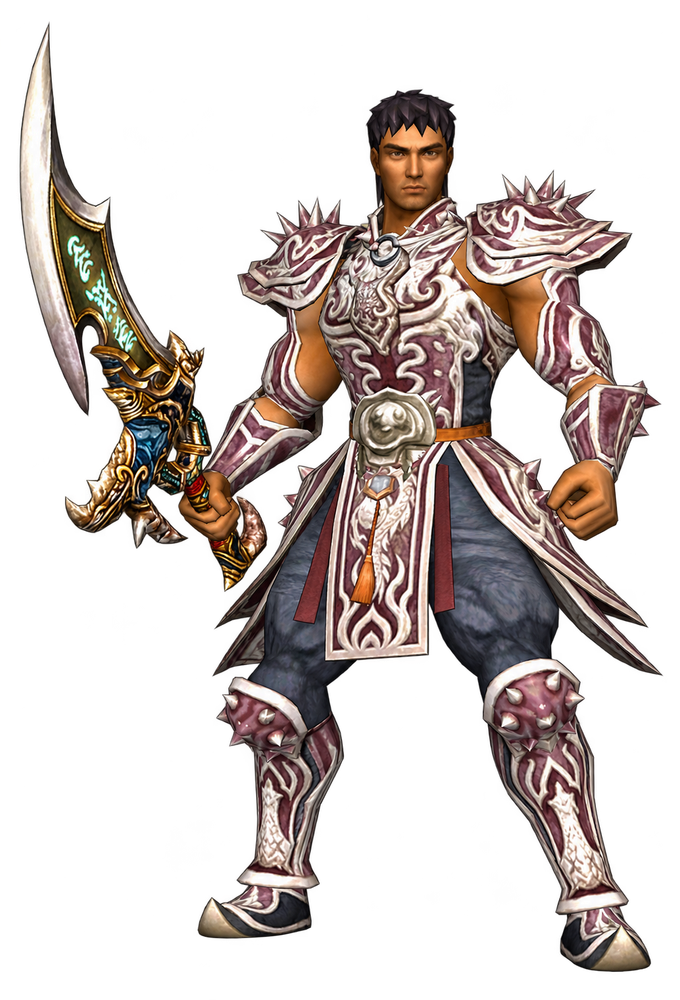
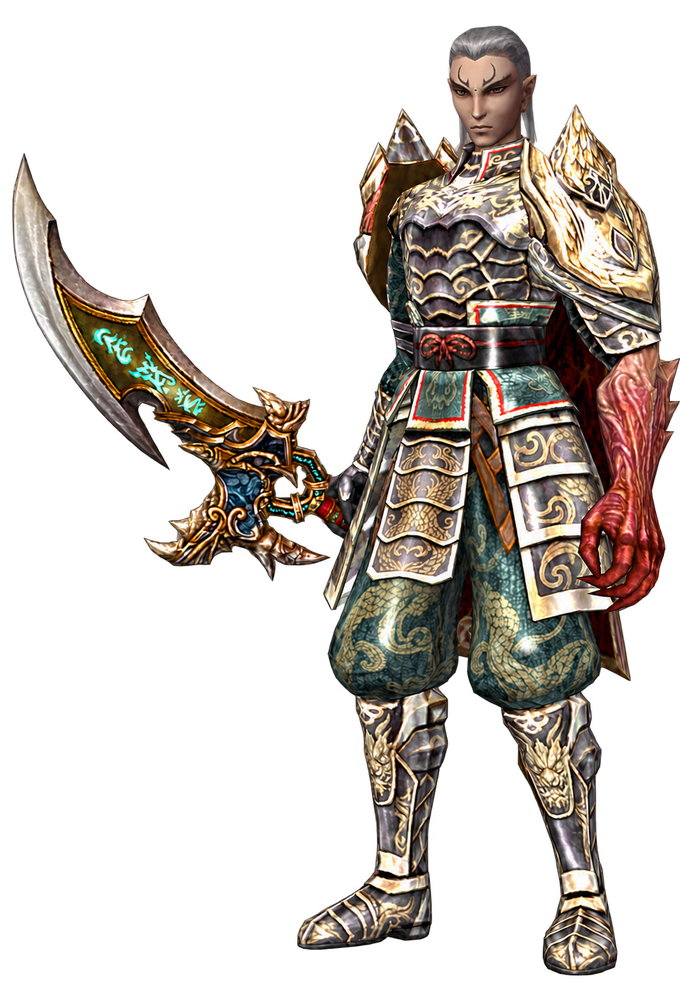
Generated illustration based on Metin2 character references. It illustrates the topic and is not a screenshot of any game, server or account page.
Two things to avoid at this stage: anyone who offers to "recover" the account or items for a fee or for your login details, and buying your own items back. Neither has anything to do with the server staff.
Was it your password or your PC?
Reused passwords and malware are two possibilities to investigate, and they lead to different clean-up work. These checks cannot establish what happened to your account.
A reused or easily guessed password. If you reused the affected password on other services, replace it there too. As our precautionary rule, use a different password for every private server; a server closing is not evidence of a password leak. In a 2021 Technopat thread (in Turkish), a player wrote that their official Turkish account had been emptied after years of downloading PvP clients; the replies pointed at fake sites and at players using the same username and password everywhere. These are the posters' accounts, not something we verified, but they describe the pattern well.
Malware on your PC. Microsoft's May 2025 analysis of the Lumma infostealer describes malware that takes saved browser passwords, session cookies and autofill data, and that spreads through cracked software and fake download adverts. Our security inference is that a password change alone may not end an attacker's existing session; this depends on the service. Use its sign-out or session-revocation controls as well, following the NCSC guidance linked above.
A quick way to tell them apart:
| What you see | More likely cause |
|---|---|
| Only accounts with the same password were taken | Reused password |
| Several unrelated accounts at once (email, Discord, Steam, game), including ones with unique passwords | Malware on the PC |
| It happened soon after you ran a bot, "hack", cracked tool or a file sent in a DM | Malware on the PC |
| Only one server account, and staff report a database incident | Server-side leak; treat that password as burned |
The table is our rule of thumb, not proof. If you cannot rule out malware, treat the PC as infected.
Check the PC before you type another password on it
Start with Windows Security › Virus & threat protection › Protection history and look for detections around the time the account was taken. Update your antivirus security intelligence, then open Scan options › Microsoft Defender Antivirus (offline scan) › Scan now for an additional check outside the normal Windows session. Microsoft explains that this scan runs after a restart, without loading Windows, so persistent malware has a harder time hiding. Save your work first; the PC restarts, and the results appear in Protection history afterwards.
Also think back honestly over the last weeks. Did you run a farm bot, a "yang hack", a cracked program, an unknown launcher, or a file someone sent you on Discord? Our guide to antivirus warnings on Metin2 clients explains why a quarantined file should stay quarantined until the vendor has reviewed it.
When the scan finds a password stealer, or you ran something you cannot trust, assume that every password saved in your browsers on that PC is known to the attacker. Change them from a clean device, starting with email and anything involving money. The NCSC's infected-device guidance recommends updates and antivirus remediation; if that fails, seek help with reinstalling. Wiping erases data: use a known-good backup and get expert help if you are unsure what can be restored safely. A negative scan does not prove the PC is safe.
Find every account that shared the password
The NCSC is explicit: change the password of the hacked account and of every account that uses the same password, because criminals try a stolen password on other services. For Metin2 players that list is often longer than expected: other private servers, the forum of each server, the official game account, the email account itself and Discord.
What we tested. On 15 November 2026 we checked a few typical Metin2-themed passwords against Have I Been Pwned's Pwned Passwords service, using its range API. That API only receives the first five characters of each password's SHA-1 hash; the full password never leaves the computer. Every one of these had already appeared in breached password data:
| Password tested | Times seen in breached data |
|---|---|
metin2 | 100,626 |
metin123 | 40,838 |
metin2123 | 10,541 |
Metin2 | 10,409 |
metin2.de | 1,985 |
metin2pvp | 686 |
A password that appears here is already in the lists that people collecting breached data work with, so it gives no real protection. Adding a capital letter changes very little: Metin2 was still seen more than ten thousand times. The test does not show where those passwords came from, and we found no breach named after Metin2 in Have I Been Pwned's breach list. That is not evidence that no Metin2 server has ever leaked.
The practical rule: if you reused a password, change it everywhere you used it, whether or not a checker lists it. Use a long, unique password for every account; a password manager can help generate and store them. Our precaution: use it only on a device you trust, since installing a manager does not make an infected PC safe.
Secure Discord if you use it for Metin2
If you use Discord for server announcements, tickets or trading, secure it too: a compromised account can be used to impersonate you. Discord's own help article for hacked or compromised accounts covers these steps:
- Check your email first. If the attacker changed your Discord email, the "Discord Email Address changed" message contains a link to change it back temporarily.
- If you can still log in, reset the password and enable two-factor authentication.
- Open User Settings › Authorized Apps and deauthorize any app you do not recognise.
- Run a Windows Defender scan on the PC you use Discord on.
- If you have lost access, use Discord's hacked-account report at dis.gd/hackedaccount.
Discord states that its staff will never contact users directly through the Discord app for support matters, and it warns that suspicious links or files may be dressed up as "games". Treat a "game master" who messages you first with the same suspicion. Finally, warn your guild or friends, as the NCSC recommends: messages sent from your account in the last days, especially links and files, should be treated as suspicious.
Report it to the server staff with useful evidence
Ask the server's official support team what records it retains and whether recovery is possible; we have not verified any private server's logs or restoration policy. Use the support channel linked from the server's official website, not a username that contacts you first. If you are not sure which website or Discord is official, check it as described in our guide to server domain changes and project identity.
Our suggested ticket template (not a universal server requirement):
- your account name and character names, never your password;
- the time window: your last normal login and when you noticed, with your time zone;
- a list of missing items (with upgrade level where you know it), yang, and where they were stored;
- whether the account email or password was changed by someone else;
- the country and internet provider you normally play from, so a foreign login can be told apart;
- your screenshots and a short note of what you already secured.
Recovery is not guaranteed. Ask official support what evidence it needs, whether it can secure the account, and whether its rules allow item restoration. A December 2025 Technopat thread (in Turkish) shows how much can depend on the email: a player whose email account had been stolen years earlier had also lost the official Metin2 account registered to it, and replies called recovery very hard. That discussion concerns an official-game account and does not establish a private server's policy.
After recovery: make the next attempt fail
Once the account is back, or you have accepted the loss, close the gaps that made it possible:
- A unique password for every server, plus a separate email address with two-step verification for game accounts. Our overview of private-server safety explains why the operator always controls your account data.
- If the server offers extra protection, such as a PIN, an item lock or an email confirmation for new devices, turn it on.
- No bots, cracks or tools sent in DMs on the PC you play and shop on. If you are choosing a new server, go through the private-server safety checklist before you download anything.
- Do not save the email password in the browser of your gaming PC.
These measures reduce risk. Unique passwords limit attacks based on password reuse, but malware or a compromised email account can still expose several accounts. Keep the recovery plan available and act on new unauthorized activity.
Sources and verification
Guidance: NCSC account recovery, NCSC infected-device recovery, Microsoft scan options, and Discord account recovery. Malware example: Microsoft's Lumma analysis, 21 May 2025. Our password check used HIBP Pwned Passwords on 15 November 2026; it did not test any server's security. Forum reports from Technopat are attributed experiences of their posters, not verified incident investigations. The order of steps in this guide is our editorial recommendation built from these sources, not an official procedure of any game or server.
Frequently Asked Questions
Should I change my Metin2 password on the PC I was playing on?
Can the server admins give my stolen items back?
My password was something like "metin2123". Is that why I was hacked?
Can a private-server owner see my password?
Do I need to reinstall Windows?
Related Pages
Find Your Perfect Server
Browse the top-ranked Metin2 private servers on METIN2.GG or submit your own server to the rankings.