Play Metin2 in a browser or install the client? What browser versions really are
Gameforge lists a Windows download for Metin2. See what we observed on private browser projects and what to check before you sign up.
Short answer: official Metin2 is a download, browser versions are private projects
If you want the official Gameforge game, plan on installing it. The official Metin2 play page offers a Download button and lists system requirements of Windows 7 (minimum) or Windows 10 (recommended) with 6 GB of storage, as displayed on 21 November 2026.
The browser options we found were private-server projects. Several were promoted in October and November 2026. Nova2, for example, describes its browser version as the original client compiled for the web. Whether one of them suits you depends on the same questions as any private server, plus a few that are specific to browser play: where the game files go, which browsers the operator supports, and what happens to your account if you later switch to a downloaded client.
This guide explains the difference, what we could and could not observe on public pages, and what to check before you create an account. We did not log in, play, measure performance or test any phone. Every observation below is dated 21 November 2026 and describes public pages only.

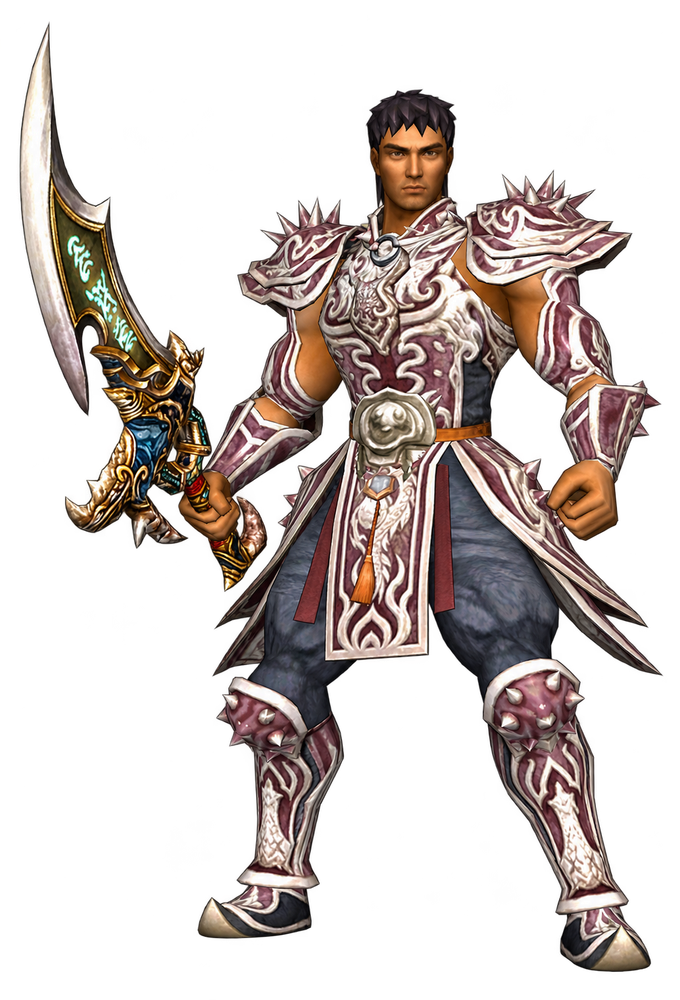
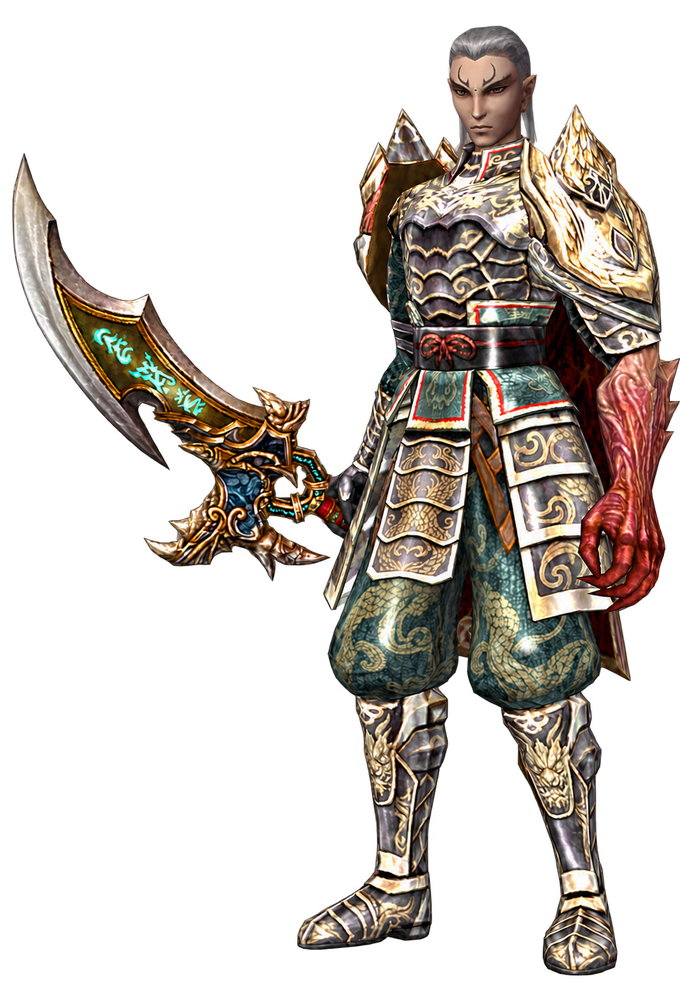
Generated illustration based on Metin2 character references. It illustrates the topic and is not a screenshot of any game, server or browser client.
Why the answers you find online contradict each other
Search "play Metin2 in browser" and the summaries often tell you to open the official site and launch a browser client. Gameforge's own pages also give different answers:
| Gameforge page | What it says |
|---|---|
| Metin2 play page | "Download" and "Download Client" buttons; Windows 7/10 system requirements; 6 GB storage |
| Metin2 Mobile App article | No official app on Google Play or the App Store and no native Android or iOS version, but also that "Metin2 is a browser-based MMORPG" you can open without downloading |
We read both pages on 21 November 2026. The play page is the one that actually gives you the game, and it gives you a Windows download. Treat the "browser-based" wording as a marketing claim that we could not match to a browser launch option on the official play page. Check the official play page for the current launch options.
The official article's clearest statement is the useful one: there is no official Metin2 app. If you find a listing using the Metin2 name, verify the publisher against Gameforge's own site before treating it as official. Our client download checklist explains how to find the real official and private-server download links.
What a private-server browser client actually is
The most detailed public description we found is the open-source Metin2 WebClient kit on GitHub (GPL-2.0, last commit on 8 October 2026 when we checked). According to its README and deployment guide, it works like this:
- The original C++ client is compiled for the web. The kit takes a server's own TMP4-based client sources and compiles them with Emscripten into WebAssembly (a
client.wasmfile). A compatibility layer replaces Windows parts such as Direct3D 8 with WebGL 2 and Windows audio with Web Audio. - A bridge connects the browser to the game server. The guide explains that a browser cannot open the plain TCP connections the Metin2 server uses, so the operator runs a small WebSocket-to-TCP bridge.
- The game data is streamed and cached. The packed game files become a "corpus" of roughly 2 GB, delivered in chunks and stored by the browser. The guide states that HTTPS is required for this caching and for the secure WebSocket connection.
Two consequences matter to players. First, a browser server still downloads a large amount of game data. It just happens inside the browser instead of through an installer. Second, it is the same kind of game client the operator would ship as a download, so the server's rules, item shop and staff matter exactly as much.
The kit's authors document what they say is playable (login, character select, combat, mounts, shops, quests and more). We have not built or run it. We also do not know which technology any particular server uses. The kit is an example of how this can work, not proof of how a given operator built its client.
What we observed on browser projects (21 November 2026)
We opened the public pages below without creating an account. "Observed" means what the page showed in the browser at that moment; "operator says" is the operator's claim, not something we tested.
| Project | Operator says | Observed by us | Not checked |
|---|---|---|---|
| Nova2 (nova2.online) | Original client compiled for the browser; files download once on first launch and are kept; requires an up-to-date Chrome or Edge; separate Windows client; App Store version "soon" | Its public play page opened a canvas with a loading message and loaded .wasm and .data files | Login, gameplay, phone use, storage size |
| ReWebM2 | One account for browser and PC; Windows download marked "coming soon"; open beta; claims compatibility with iOS Safari and Android Chrome | Its public Play page showed a loading screen with a canvas and loaded .wasm and .bin files; it also offered an option to load client files from a local folder | Whether loading completes, login, phone use |
| Browser2 | Free, no download, PC, Mac and phone | Landing page with sign-in and registration, a wiki and a terms and privacy page with a contact address | Any technical detail or game access |
| MT2 Browsergame | No statement we could verify. | Our directory listing only; the operator website was not accessible to us | Everything on the operator site |
The .wasm files fit the compiled-client pattern described above, but a file type alone does not show which kit, client version or server is behind a page. Similar names are also a trap: Nova2 at nova2.online is not the same address as the Nova2 entries at nova2.global in our directory, and MT2 Browsergame and Browser2 are different projects on different domains. Before you register, compare the exact domain, as our guide to server domain changes explains.
One more site advertising browser Metin2, mt2browser.com, returned a Cloudflare SSL error when we checked. That is one failed visit, not proof that the project has closed.
Browser or download: how the two routes differ
Use this table to decide which route fits your situation. It compares the routes as documented, not the quality of any server.
| Question | Browser version | Downloaded client |
|---|---|---|
| What do you install? | Nothing via an installer, but the browser stores the game data (about 2 GB in the documented kit) | A client folder; Gameforge lists 6 GB of storage for the official game |
| Which device? | Whatever the operator supports; Nova2, for example, names only current Chrome or Edge on desktop | Gameforge lists Windows for the official game. For a private server, check which systems its operator supports. If you need to run a Windows client on a Mac, see our MacBook guide for virtualization options. |
| Updates | The site delivers new files when you open it | A patcher or a new download |
| Where files live | In browser site data, which browsers may remove when space runs low or you clear site data (MDN) | In a folder you control |
| Antivirus prompts | No executable to approve for the browser version itself | Private clients sometimes trigger warnings that need checking |
| Account | Created on the operator website | Created on the operator website; some projects say one account works for both |
Browser storage matters if you have limited disk space or browse in private mode. MDN explains that site data is kept "best-effort" by default: it stays while there is room and you do not clear it, but the browser may evict it. If that happens, the first-launch download simply starts again, so a slow or metered connection is a real consideration.
A browser version also does not remove the need to check the client. A project that also offers a Windows download is still shipping an executable, and a page that tells you to click past a Windows warning is not a substitute for checking. Our antivirus warning guide shows how to look at a flagged client before you run it.
What to check before you create an account
These checks take a few minutes on public pages and do not require playing:
- Is it official or private? For the official game, start with Gameforge's own play page. For another site, verify the exact domain and check who operates it before you register. Read our private server directory to compare listed projects and their published details.
- Which browsers does the operator name? If the page lists only Chrome and Edge, do not assume Safari, Firefox or a phone will work. A claim of phone compatibility is the operator's claim until you try it yourself.
- Is there a terms and privacy page with a contact? Browser2, for example, publishes one. A missing page tells you that you will have little to go on if something goes wrong with your account.
- Is the browser account the same as the client account? If you might switch to a downloaded client later, check whether the operator says one account covers both, and whether the download actually exists yet.
- Use a new password. A browser game still asks for a login on the operator's site. Do not reuse a password from Gameforge, your email or another server; our hacked account guide explains why a reused password puts your other accounts at risk.
- Check activity separately. A slick landing page does not tell you whether a project will last. Our guide on checking server activity covers what you can verify from outside.
Nova2's loading screen adds a practical note: keep the tab in front while the game opens, because a browser may pause a background tab. Expect to keep the tab focused during the first load.
How this differs from mobile ports and Android builds
"Playing on a phone" can mean three different things in Metin2, and they are easy to confuse:
- A browser version, covered here: the compiled client in a web page, which some operators say also opens in a phone browser.
- A native mobile port or a new engine client, such as projects that move the client to Android or rebuild it in Unity or Unreal Engine. Our mobile clients overview explains those routes and what has actually been shown.
- Building an Android client for your own test server, which is developer work. Our Android client build guide covers that.
If a server advertises "mobile", find out which of the three it means before you plan around it. Check whether the operator explicitly documents touch controls. A page can open in a mobile browser while still expecting mouse or keyboard input.
Sources and scope
Read or observed on 21 November 2026: Gameforge Metin2 play page and Metin2 Mobile App article; Metin2 WebClient README and deployment guide (GPL-2.0; last commit 8 October 2026); MDN storage quotas and eviction criteria; public pages of Nova2, ReWebM2 and Browser2; our MT2 Browsergame listing.
Not done: no account, login, gameplay, performance, phone or security test on any project, and no build of the WebClient kit. A developer discussion on metin2.dev and a Reddit release post about the kit were not readable to us and are not used as sources. Browser projects change quickly, so check the operator's current pages before deciding.
Frequently Asked Questions
Can I play official Metin2 in my browser?
Is a browser Metin2 server the real game or a copy?
Does a browser version download anything?
Will it work on my phone or on a Mac?
Is a browser server safer than downloading a client?
Related Pages
Find Your Perfect Server
Browse the top-ranked Metin2 private servers on METIN2.GG or submit your own server to the rankings.